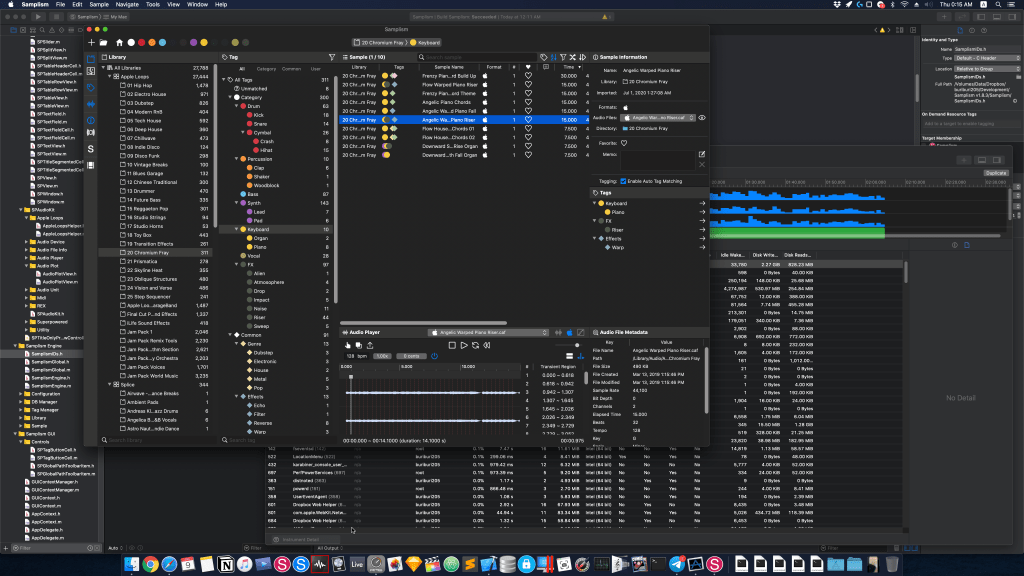
Samplism v2.0 is under development

Greetings after a long time.

Our team started development in 2014, and after three years, in 2017, we finally released Samplism v1.0 on the Mac App Store.

Since then, we have been continuously adding new features up until the present. Whether you have experienced Samplism app since v1.0 or not, you will recognize the tremendous difference between v1.0 and the current version.

Furthermore, from last year, our team began preparations for v2.0. Though it wasn’t the full-fledged start, we spent a considerable amount of time acquiring various technologies to implement new features.

Now, we are pleased to inform you that our team has officially commenced the development of Samplism v2.0.

To be honest, we should have started earlier, but our team underwent significant changes in recent months, which made it quite challenging to reorganize. Fortunately, we are now prepared to focus solely on development.

Samplism v2.0 will not be a simple upgrade from v1.0. Instead, we aim to create an entirely new app with cutting-edge technology and design, striving for excellence once again.

However, this process will take some time. As of the current plan, we are targeting a release before the winter of 2024.

Though it is close to a year and a half away, we pledge that our team will do our best to ensure the wait is worthwhile.

We sincerely ask for your continued support and anticipation until the release of the ultimate app once again.

Best regards,

– Audio Helper Team
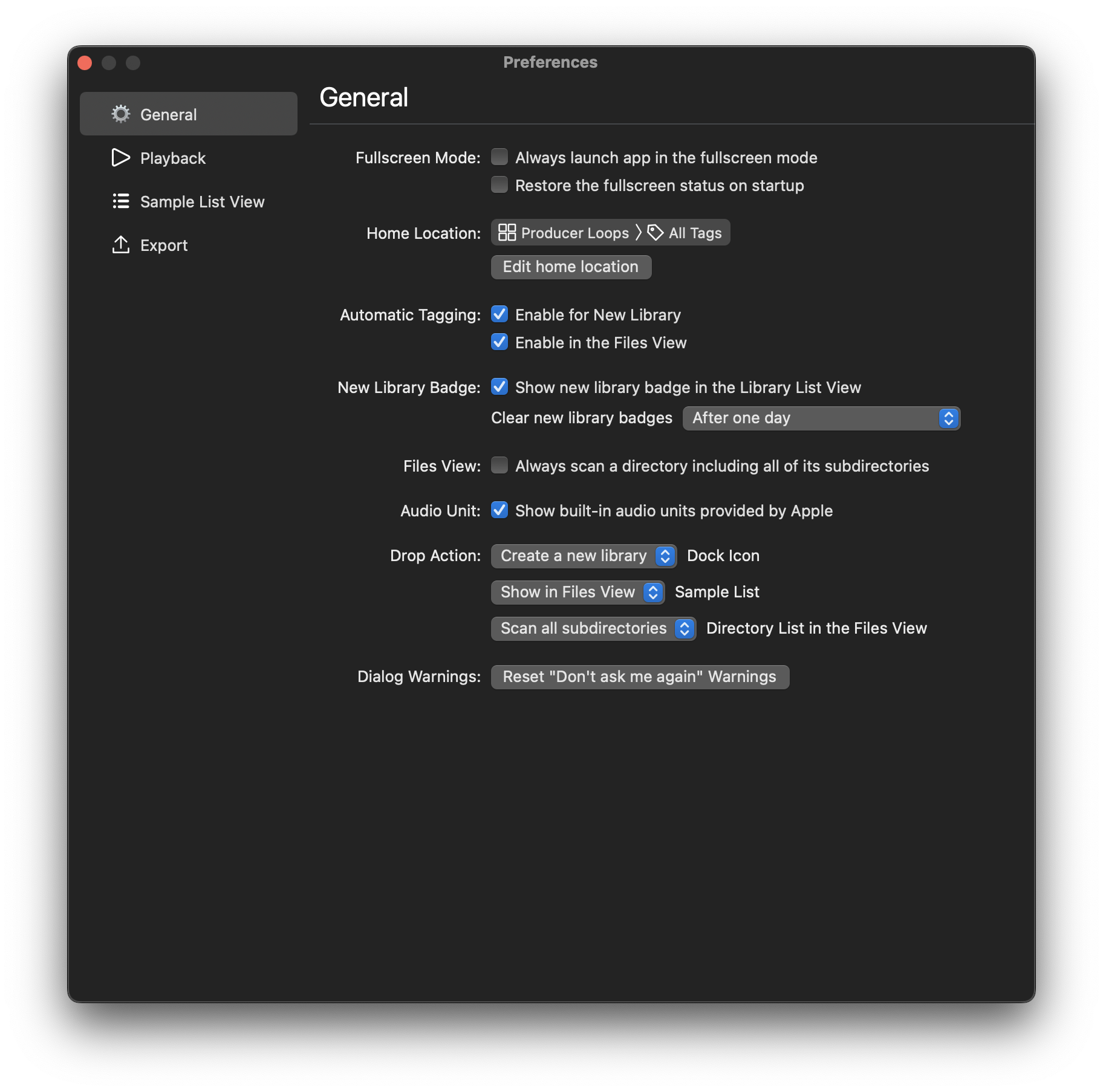
Samplism v1.9.8. What’s New?

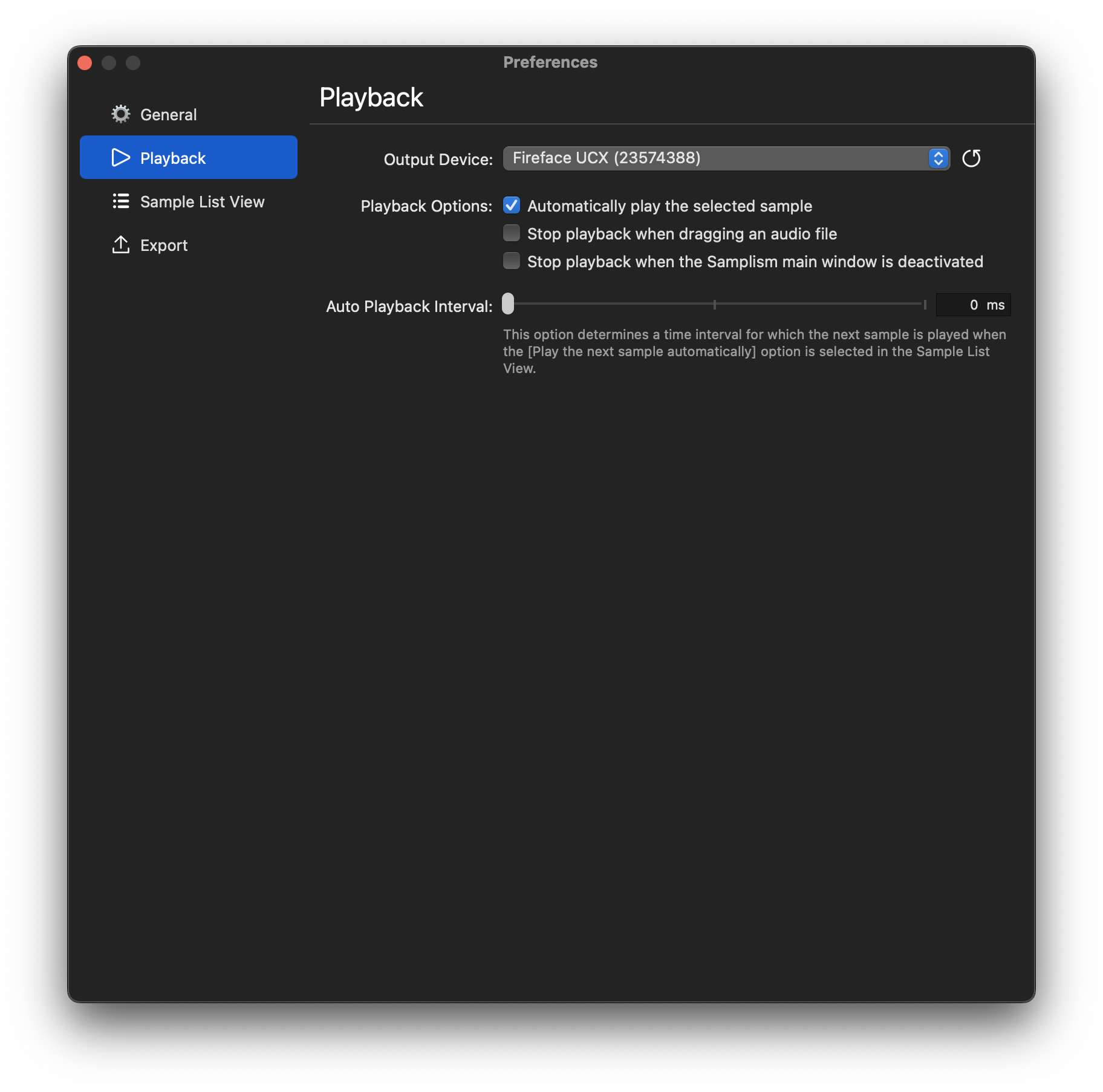
First of all, the Preferences window is newly designed.

In addition to the design, several new options are now supported.

  • Enable/disable automatic tagging
  • Default [Set Favorite] action in the Sample List view
  • Opt+drag to copy exported samples in the Sample List view
  • Apply audio units when exporting with the drag button in the Audio Player view

Also, overall code optimizations and UI improvements are also applied:)

Our Development Setup (2)

Favorite Apps

We use a lot of apps in developing our apps. Here are the list of apps we frequently use. We prefer macOS built-in apps to third-party apps:)

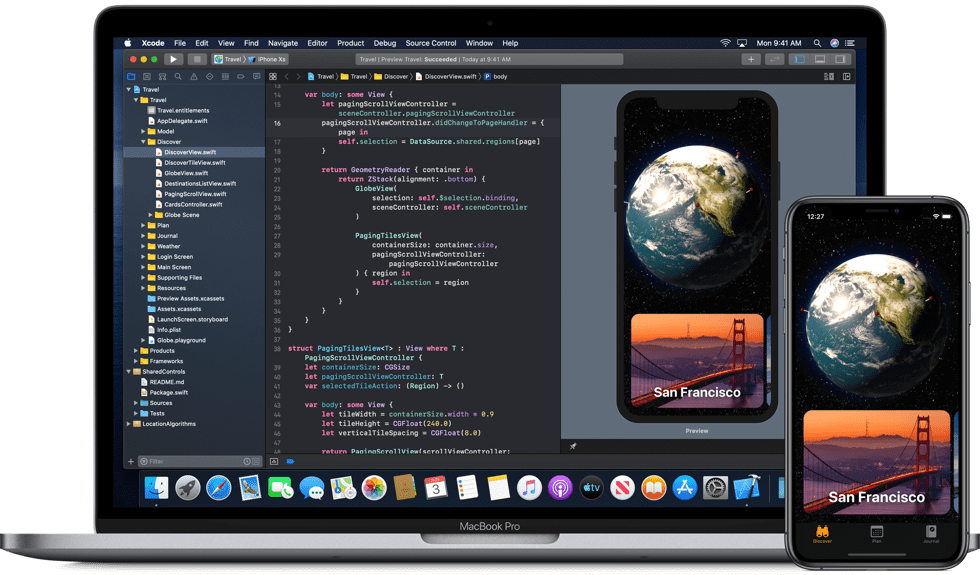
1. Xcode

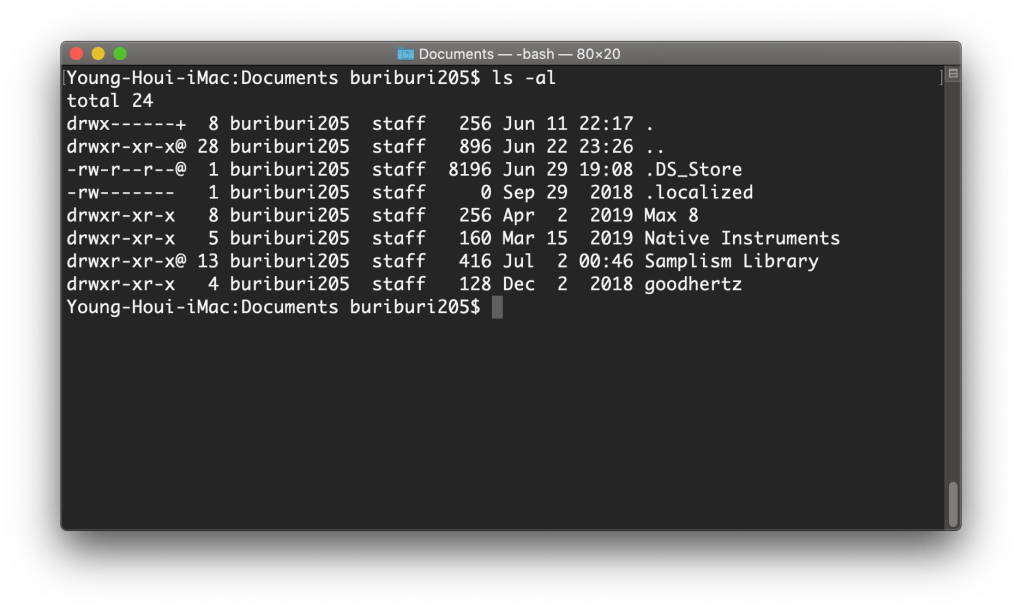
2. Terminal (macOS built-in App)

3. Digital Color Meter (macOS built-in App)

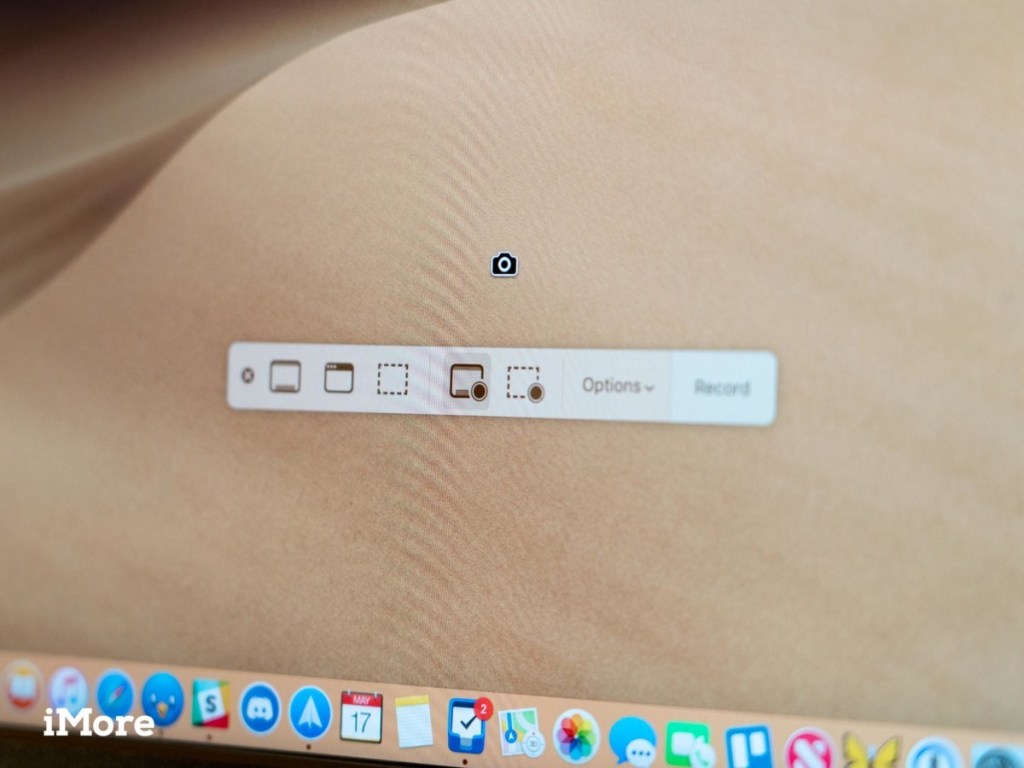
4. Screenshot (macOS built-in App)

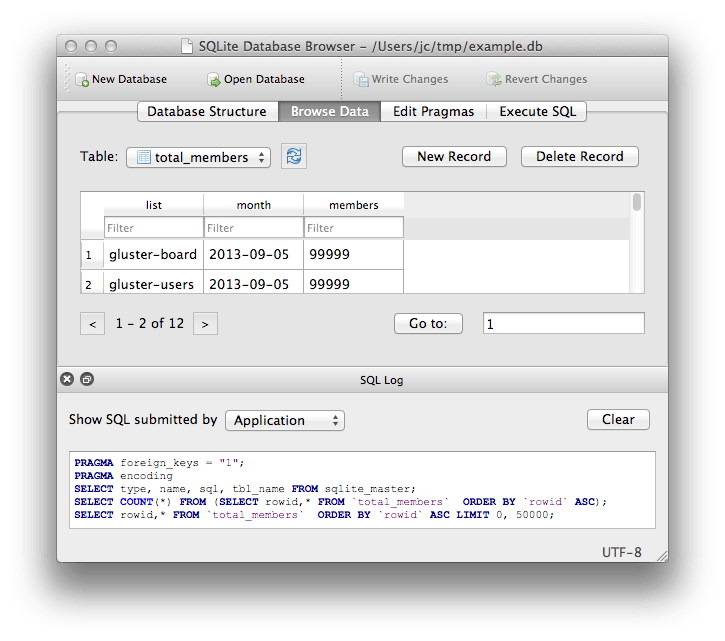
5. DB Browser for SQLite

We use sqlite3 to manage the Samplism database.

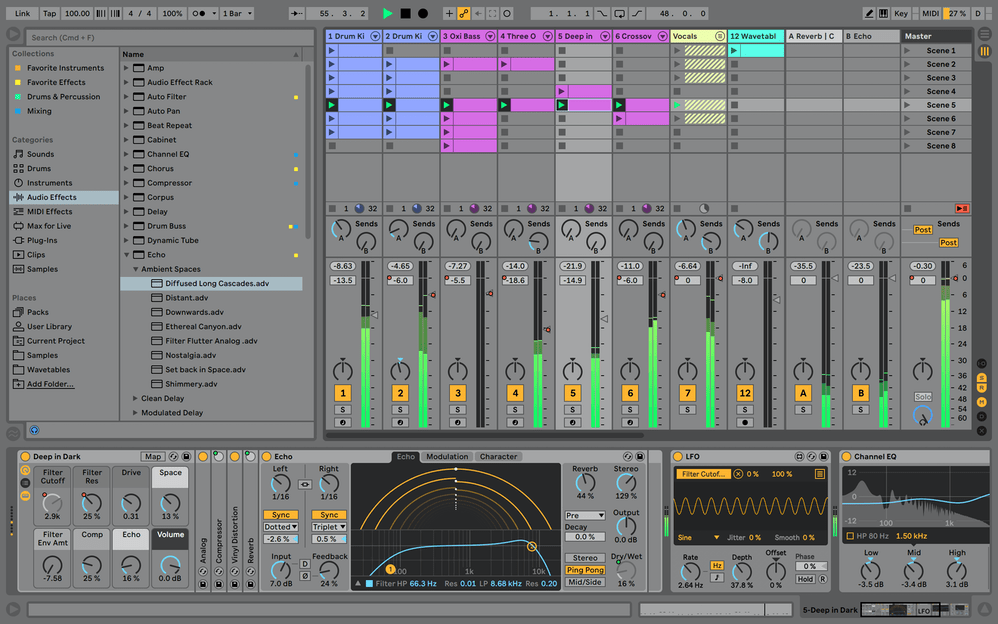
6. Ableton Live 10 Suite

We are a big fan of Ableton Live.

7. Logic Pro X

The best all-in-one DAW on the planet.

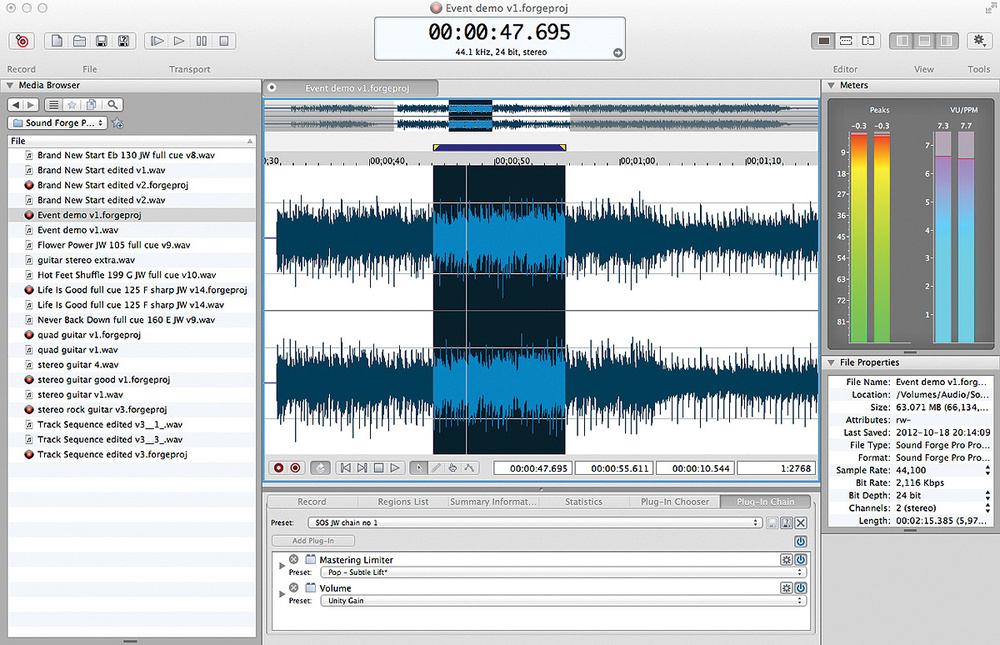
8. Sound Forge for Mac

Our favorite audio editing app for Mac.

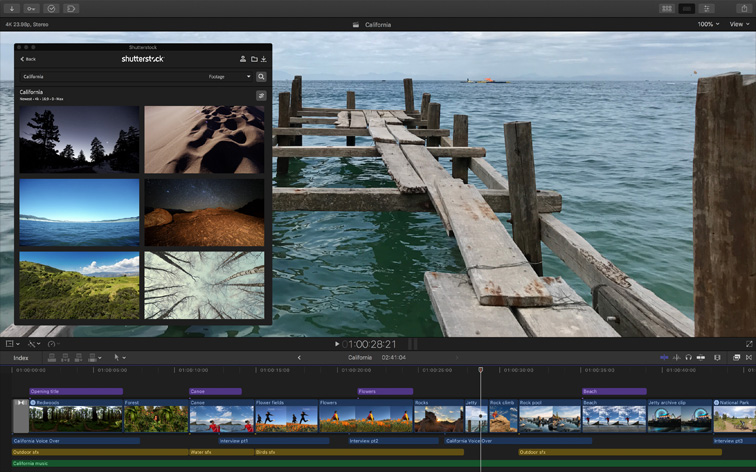
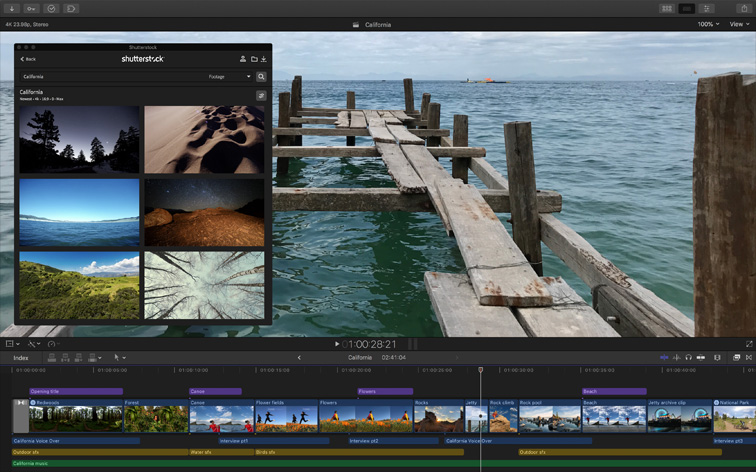
9. Final Cut Pro

All our Youtube videos are created using Final Cut Pro.

10. QuickTime

We think that QuickTime is the best free app for screen recording.

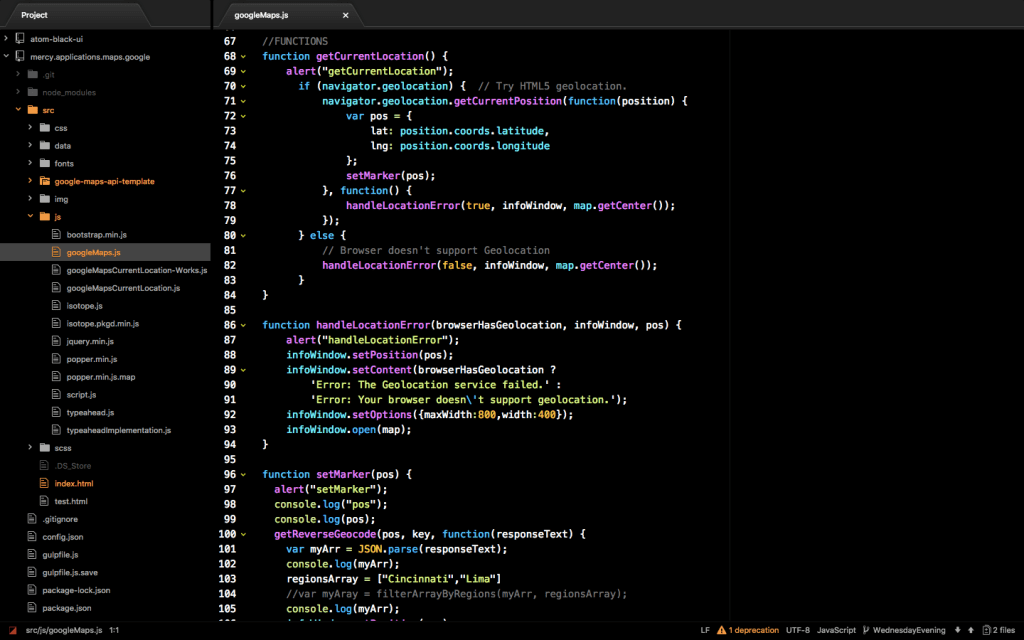
11. Atom

In spite of some critical drawbacks, Atom is our most favorite text editor.

12. Visual Studio Code

Our another favorite text editor. We think that Visual Studio Code is far better than Atom for many reasons. But the only reason that we prefer Atom to Visual Studio Code is that we’re more used to Atom:(

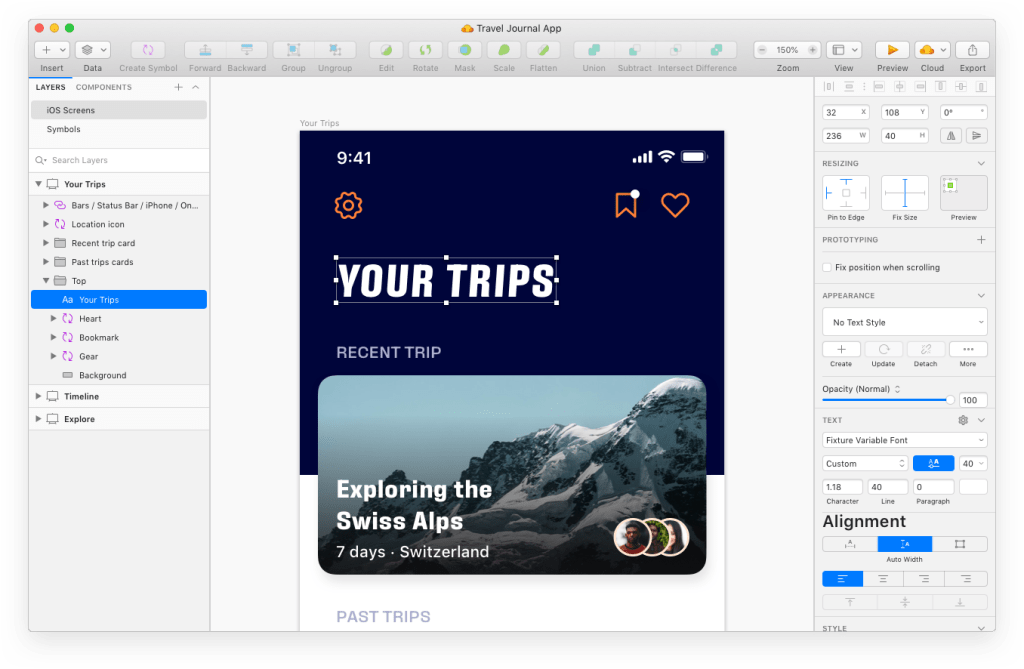
13. Sketch

All icons in Samplism are created using Sketch.

14. Pixelmator Pro

All images about our apps are created using Pixelmator Pro. We prefer Pixelmator Pro rather than Photoshop.

Our Development Setup (1)

Macs

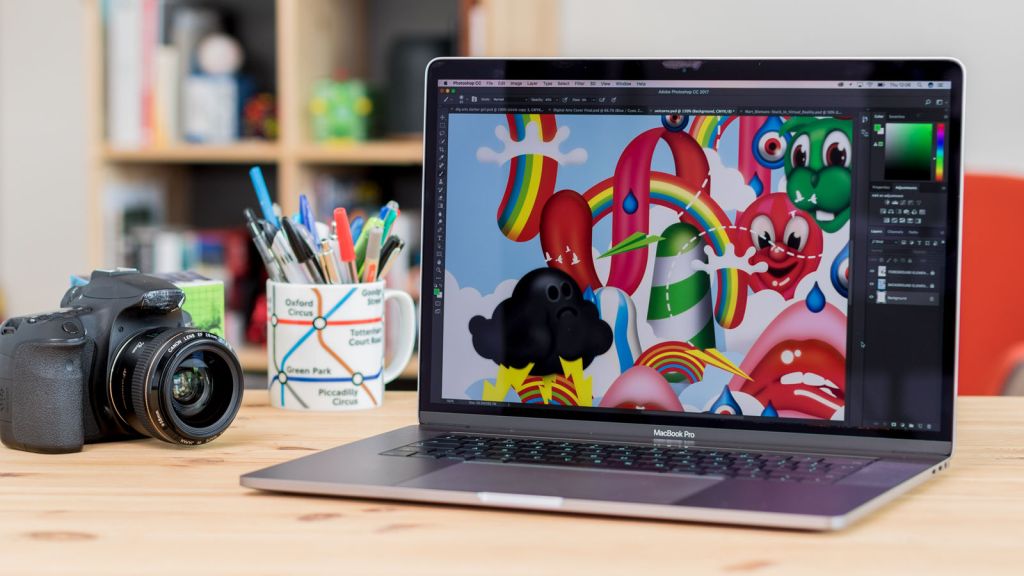
1. MacBook Pro (15-inch, 2017)

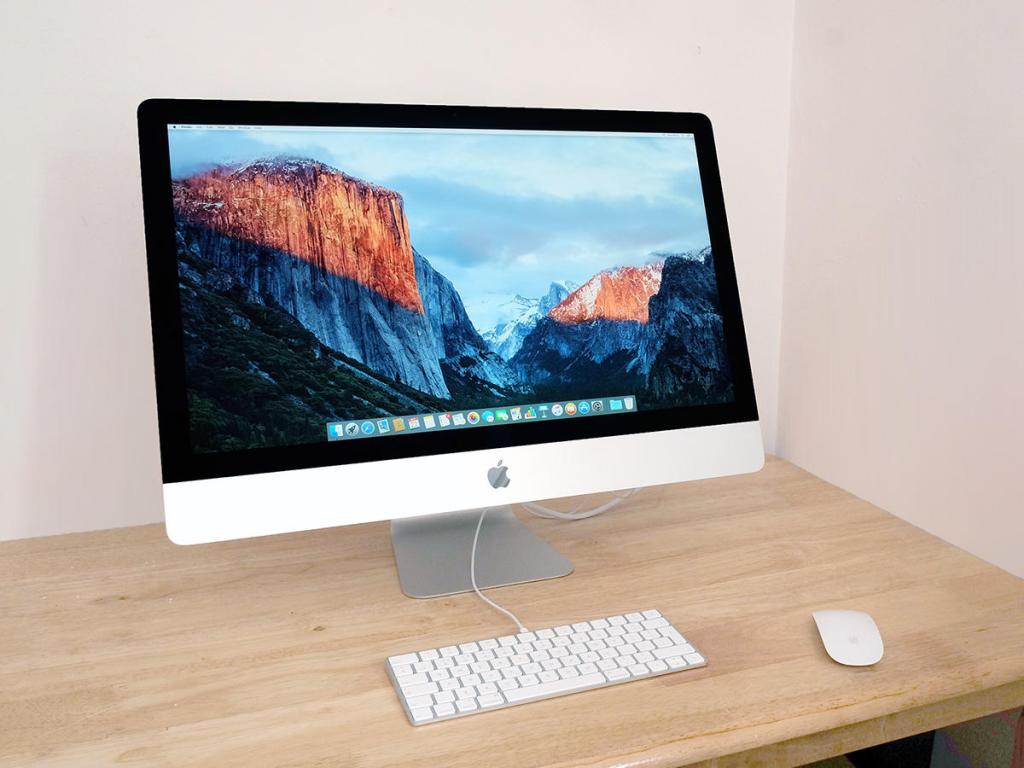
2. iMac 5K (27-inch, 2015)

3. Mac Pro (2013)

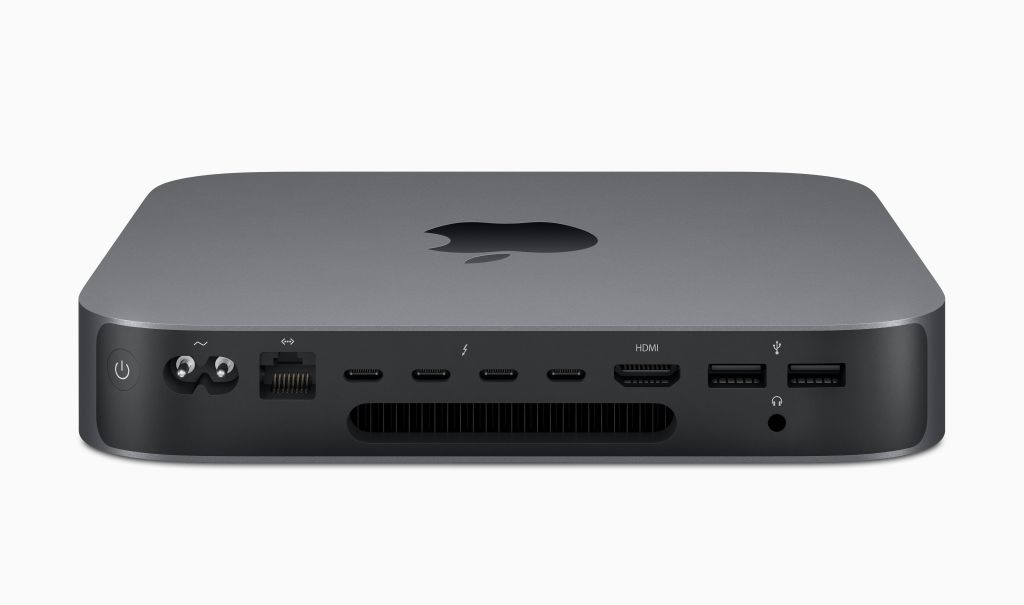
4. Mac Mini (2018)

Keyboards

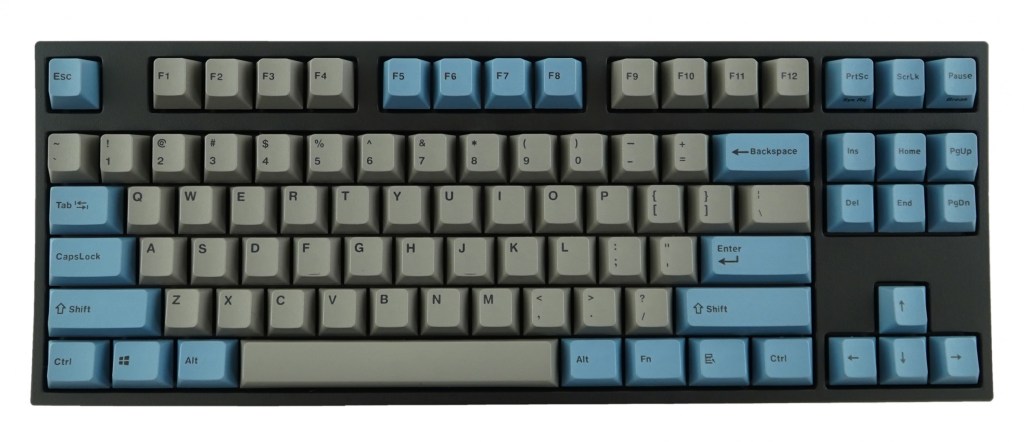
Keyboards are one of the most important things for development. Especially, we do love mechanical keyboards.

1. Leopold FC750R PD (Cherry Blue switch)

2. Leopold FC900R Swedish (Cherry Blue switch)

3. Realforce R2 Tenkeyless

4. Apple Magic Keyboard

Mice

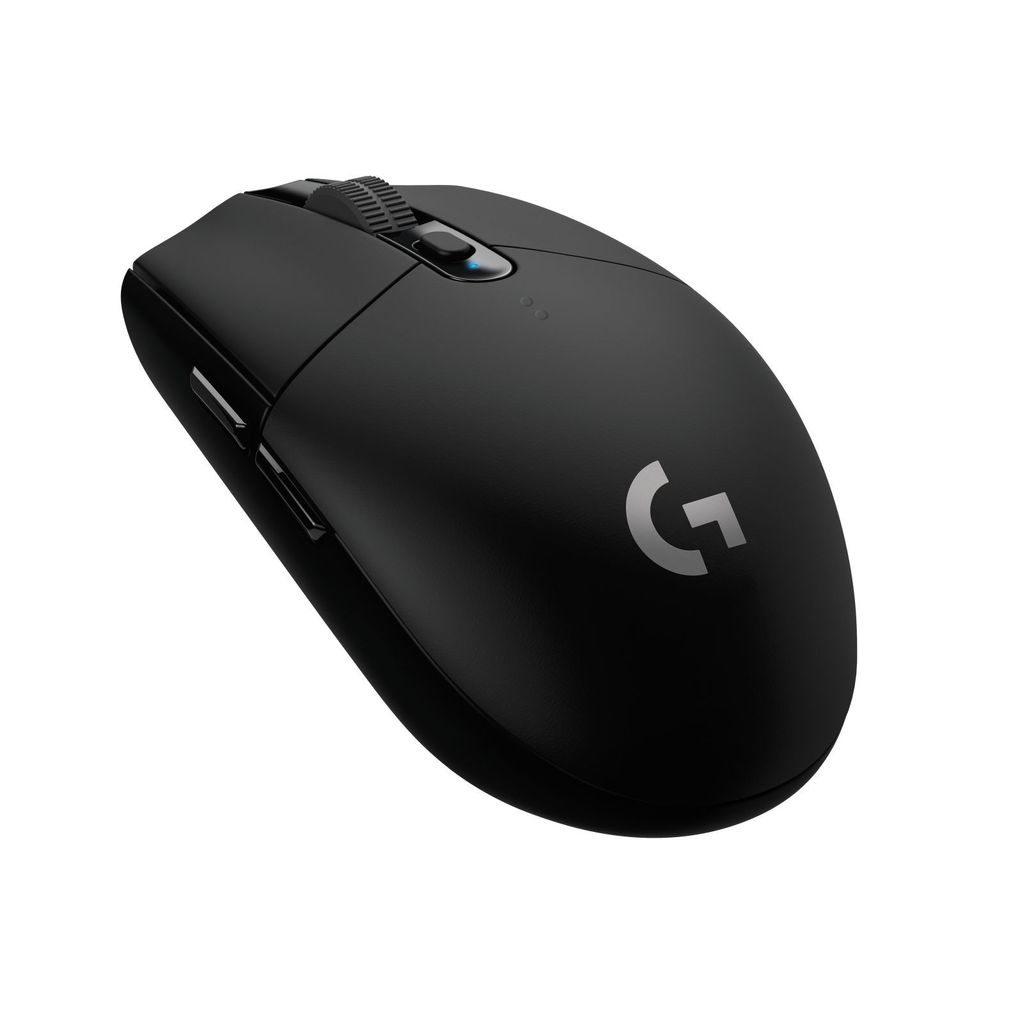
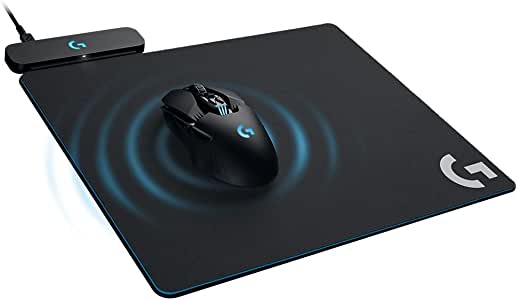
We have used a lot of mice from various companies in the past. To us, Logitech gaming mouse is the best for development on Mac.

1. Logitech G903

2. Logitech G703

3. Logitech G304

4. Logitech POWERPLAY

Hello!

We have introduced a blog page to our official website.

Through this blog page, we will periodically and frequently update information about new product releases, development stories and so on:)